%20(1).svg)
Best alternatives to Console ITSM in 2026
Thinking about leaving Console after the Palo Alto Networks acquisition? This guide explains what to look for in a replacement and compares four alternatives, including what it takes to switch.


Console gives small IT teams a way to automate routine requests like password resets and app access, without adding more work to an already busy IT support queue.
Palo Alto Networks acquired Console in September 2026. If your contract renews in early 2027, now is a good time to look at alternatives. This guide covers what the acquisition means for Console users and what to look for in a replacement.
We’ll compare four alternatives to Console, with each tool’s key features, integrations, pricing, and limitations, plus whether it works with the ticketing system you already use. We’ll also explain what it takes to migrate from Console, including the workflows, integrations, and setup you may need to recreate in a new platform.
TL;DR
Why are IT teams looking for Console alternatives?
Palo Alto Networks announced the acquisition of Console on September 1, 2026. Palo Alto says Console will be used to deepen the AI agent capabilities in Cortex, its security operations platform.
For IT teams that run employee support on Console, that raises fair questions. Will the product keep improving at IT requests like access and onboarding? Will pricing or contract terms change at renewal? Will support stay as responsive as it was?
Some Console users already have early answers: One customer told us it was given about a year on Console unless it bought a Palo Alto security product. An education nonprofit told us it signed with Console the day before the acquisition. The following day, it says, Console began discussing ways to get out of the contract.
What Console does well
The acquisition doesn't change what Console does well today. It holds a 4.9 out of 5 rating on G2 across 20 reviews, and customers and reviewers point to five strengths:
- Some requests can be handled without IT. Console says it auto-resolves over 50% of support requests. One public fintech told us Console had handled more than 21,000 tickets, with over 15,000 fully automated.
- One bot for the whole company. Employees ask one Console bot in Slack or Microsoft Teams, and it routes each request to the right department. Chat threads stay in sync with ticketing systems like Jira or ServiceNow.
- Workflows built in plain language. Admins can describe a workflow to Console's Assistant, or paste in an existing process doc, and it builds the playbook and connects the tools.
- Time-limited app access. Employees request an app in chat, Console sends the request through the right approvals, and it can grant access for a set period, then remove it automatically.
- Broad integrations. Console connects to identity providers, ticketing systems, HR platforms, and finance tools. G2 reviewers also mention easy setup and the option to add custom API connections.
Where Console falls short
Here are the reasons teams give for looking elsewhere go beyond the acquisition:
- Ongoing tuning. Console says its service desk learns from every approval. A verified G2 reviewer in financial services said the bot didn't learn from past interactions, so everything had to be tuned and maintained by hand. They added that it could get confused when tools and permissions overlap. An IT infrastructure director said playbooks are quick to set up but still take some prompt engineering to get right.
- Routing and reporting gaps. G2's review summary lists occasional routing issues as a common limitation. A People Technology manager said the tool sometimes can't work out which team should own a ticket. Another reviewer said not every interaction lands in their ITSM tool, so they reconcile two sets of metrics to track trends. One customer told us that almost 55% of its incoming tickets weren't handled by Console because they were created directly in Freshservice rather than Slack.
- Control over sensitive actions. One public fintech organization told us Console made it hard to control which teams could automate sensitive actions, so one department could end up working around another team's approval rules.
- Access requests that ignore current access. Customers told us Console doesn't reliably check whether someone already has access to an app. When someone asks for an app they already use, it often sends them a new access request form. One customer said a request for six apps only handled two.
- Pricing. Console doesn't publish its pricing, and one customer told us costs climb with each workspace they add.
What to look for in a Console alternative
If you decide to replace Console, the new tool has to keep routine requests off your team's plate. So first check whether it auto-solves requests, like granting access or resetting a password, or just points employees to a help article.
With that in mind, compare alternatives on these six things:
- Auto-solve rate. Ask each vendor how it counts a request as automated, what the rate is by department, and how long it took to get there. One IT lead who switched tools put it simply: "If a human touches it, not automated." Test an ambiguous request like "I'm locked out of Okta" to see whether the AI can identify the problem and resolve it, rather than immediately escalating to IT.
- Who can build the automations? Check whether department owners in IT, HR, or Finance can build their own workflows without technical expertise, and without seeing other departments' flows. Otherwise, as one buyer put it, you spend 'more time working on that tool than working with that tool.'
- Guardrails and an audit trail. Your new platform should be able to control who can trigger each action, require approvals where they matter, grant access for a set time, and keep sensitive groups out of reach. Security teams will also want a record of who triggered what, ideally sent to their SIEM.
- Multi-part requests. Most real access requests cover more than one app or person. Test each tool on requests for several apps at once, on behalf of a new hire, or for more access than someone already has.
- Fit with where your team works. Employees should be able to ask in Slack or Teams, while agents work wherever suits them. The tool should also connect to the identity, HR, device, and ticketing systems you already use.
- Pricing model. Check whether pricing rises per department or with usage, since both can climb as more teams come on board.
The 4 best Console alternatives in 2026
We picked four AI service desks that work inside Slack and automate requests end to end, then compared them on the criteria above.
1. Risotto: Best for mid-market IT teams that want to automate IT and HR requests
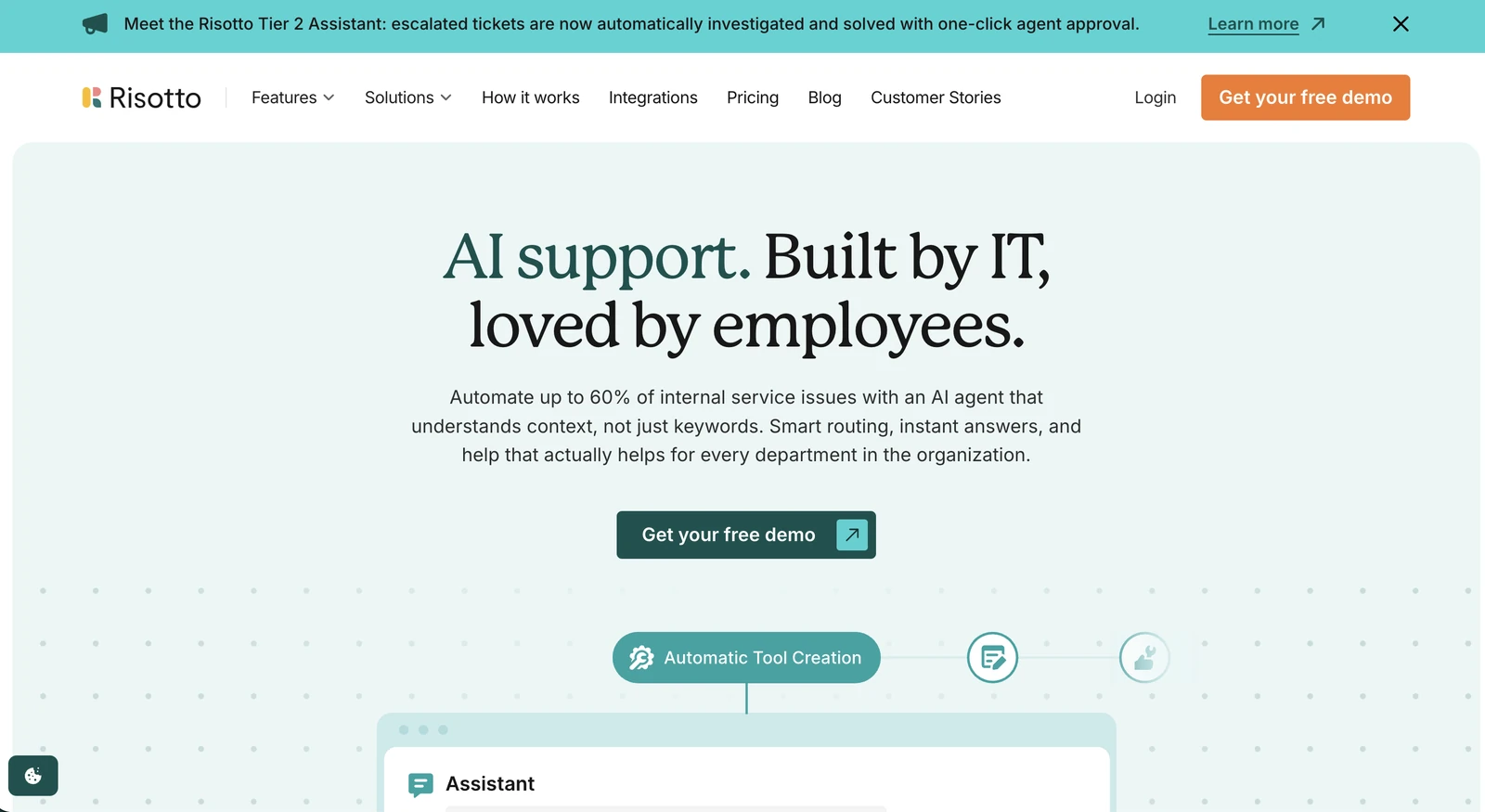
Risotto is an AI ITSM for IT and HR teams. It works on top of Jira, Freshservice, or ServiceNow, or can replace them. Employees ask for help in Slack, Microsoft Teams, or email, and Risotto auto-solves Tier-1 requests from start to finish.
That covers the requests that make up most of a typical queue: IT and HR policy questions answered from your knowledge base, password and MFA resets, app access with the right approvals, and step-by-step troubleshooting. Every tool call is logged on the ticket in Risotto.
Risotto auto-solves up to 70% of Tier-1 requests, and teams see results on day one, with full impact within 30 days.
At Gusto, Risotto resolved 53% of requests on its first day. Hazel Health runs both IT and HR support through Risotto and auto-solves 28% of IT requests and 35% of HR requests.There, Risotto resolves requests in 57 minutes on average, compared with 75 hours for requests their team resolves manually.
If a request needs a person, Risotto's Tier-2 Assistant looks into it, checks sources like your identity provider's logs, and suggests next steps.
What sets Risotto apart is that workflow automation is built into the help desk. When a request kicks off an automation, Risotto creates, titles, routes, and logs the ticket itself, with no separate step to keep the two in sync.
Why choose Risotto over Console: Risotto gives you several ways to build automations, depending on how hands-on you want to be. You can start from a template for common requests, like app access or a FileVault recovery key, describe a new automation in plain English and let the Assistant build it, or, for steps that must work exactly the same way every time, like security checks before creating a Google group, have the Assistant write them as code you can review. Risotto's Insights feature also suggests what to automate next based on escalated or human-resolved tickets.
Key features:
- Plain English runbooks: Describe what you want, and the Assistant drafts the automated runbook and any tools it needs, and asks for your approval along the way.
- Access rules: Set the approvals, required reason, and time limit for each app, and Risotto handles the request and approval without a runbook, and removes time-limited access when it expires.
- Tier-1 ticket automation: Resolves requests in Slack, Teams, or email, including multi-step troubleshooting and screenshots pasted into the thread. It also handles requests for several apps or on behalf of someone else, like a manager requesting access for a new hire, working through each app and person one at a time.
- Tier-2 Assistant: Investigates escalated tickets, for example by checking Okta system logs, and suggests a fix or a new runbook.
- Automation triggers: Automations can run on a schedule, on ticket events, or on Okta events, as well as when an employee asks.
Integrations: Okta, Jamf, BambooHR, Rippling (HR data), Workday, Google Workspace, Microsoft Entra ID, Intune, Iru (formerly Kandji), custom API tools, and MCP.
Pricing: The Startup plan, for companies under 200 employees, costs $1,250/month, billed annually. Enterprise pricing is custom. Both plans include a 30-day free trial. The Enterprise plan covers every department under one license, while the Startup plan can be extended to other departments.
Limitations: There's no employee web portal, so Risotto may not suit teams that want a portal-first experience.
See Risotto auto-solve IT and HR requests in Slack, on top of the ticketing system you already run. Book a demo.
2. Serval: Best for enterprises moving off a legacy ITSM
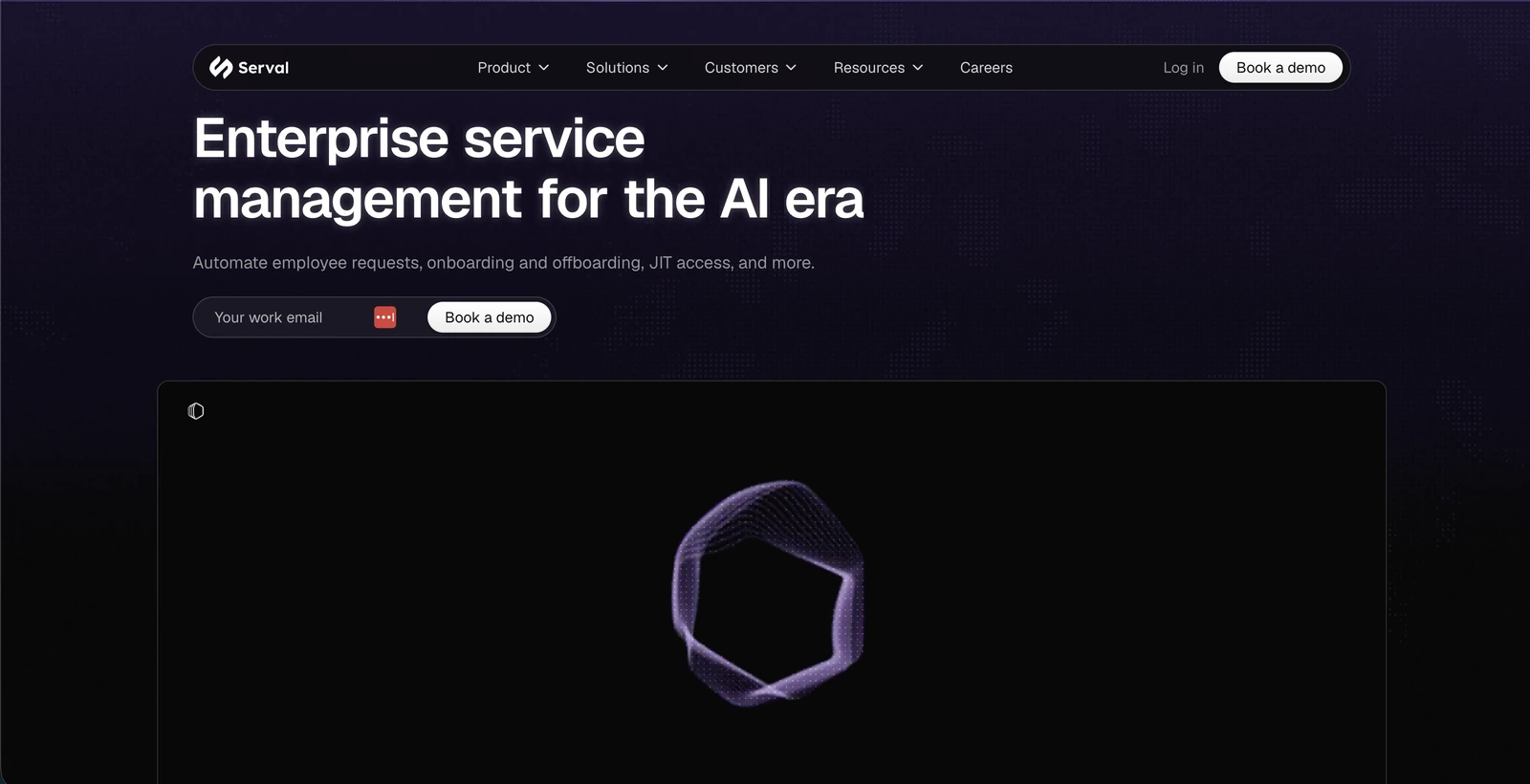
Serval is an AI-native service management platform built for enterprise IT. It can replace a legacy ITSM outright or sit on top of the one you already run. Employees ask for help in Slack, Microsoft Teams, email, or a web portal, and Serval's help desk agent resolves what it can and routes the rest to the right team.
Its automation agent, Catalyst, builds workflows from plain English descriptions and writes them as code your team can view and edit.
Why choose Serval over Console: Serval covers the full range of IT service management, so it suits teams that want to retire their old system rather than add another tool beside it. Its pricing page also guarantees that half of your tickets will be automated, with a dedicated deployment engineer helping you get there.
Key features:
- Full ITSM coverage: Request, incident, problem, change, and knowledge management, plus a configuration management database (CMDB), and hardware and software asset tracking.
- Code-first automation: Every workflow Catalyst builds is code, which suits technical teams that want to review exactly what each automation does.
- Self-hosting options: Run a small Serval worker inside your network so it can reach internal systems, or run the whole application in your own AWS account when data-residency rules require it.
Integrations: Serval lists 51 integrations on G2, including BambooHR, 1Password, Asana, Box, and Brex. Ticket updates sync both ways with ServiceNow, Jira, Freshservice, Zendesk, Salesforce, and Linear.
Pricing: Serval doesn't publish prices, so you'll need to request a quote. Its pricing page says you pay a single platform fee.
Limitations: A G2 reviewer at a mid-market company said Serval has a learning curve and can feel overwhelming at first. G2 reviewers also note that the agent sometimes makes inaccurate assumptions, so human review still matters. Lastly, one buyer we spoke with called Serval 'very pricey even compared to Console.'
Pro tip: If Serval is on your shortlist, our guide to Serval competitors covers more tools to compare it against.
3. Ravenna: Best for Slack-first companies that want a lightweight help desk
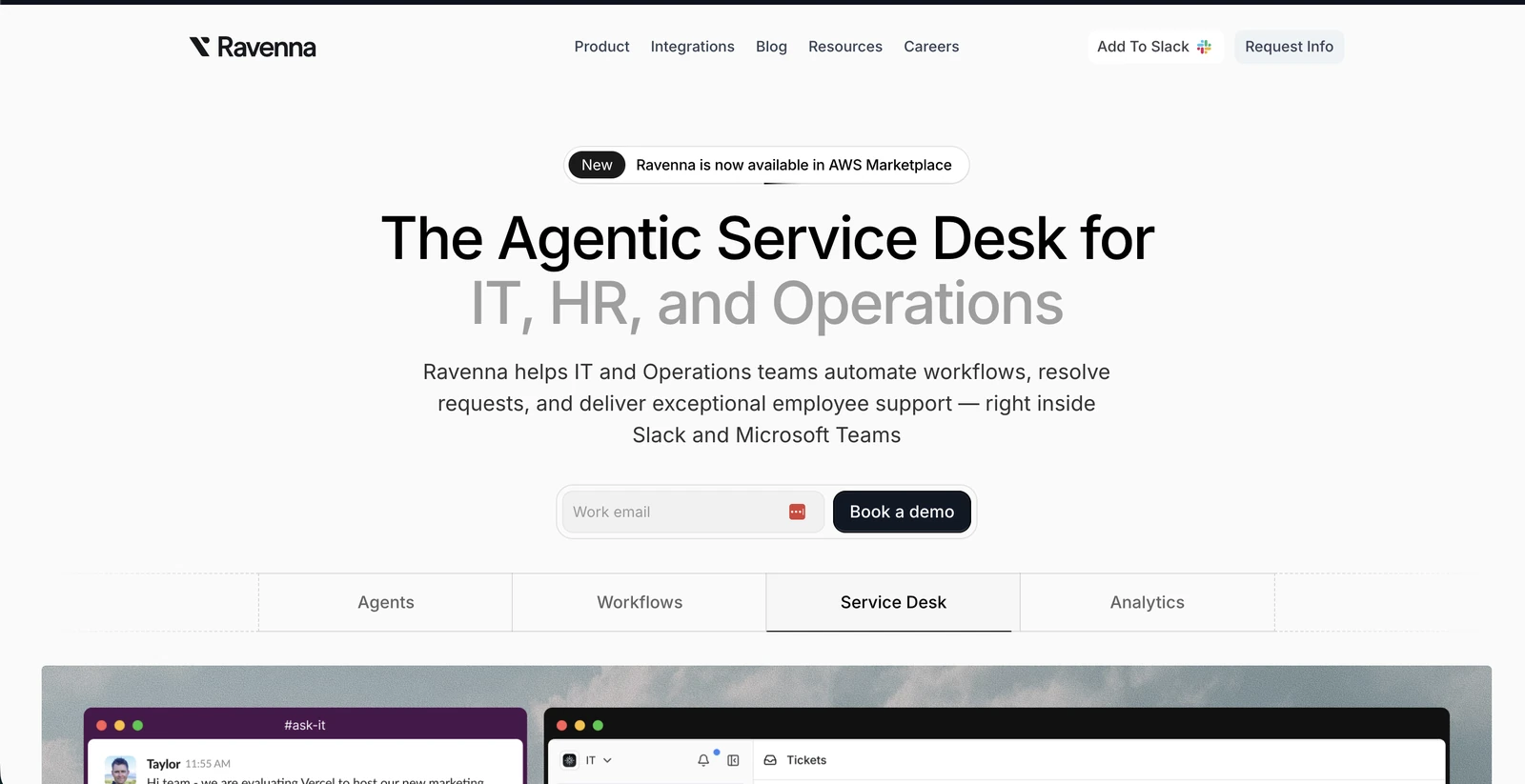
Ravenna is a help desk that runs inside Slack. Messages posted in connected Slack channels become tickets automatically, and Ravenna's AI agents answer questions from your knowledge base, or send requests to the right queue.
Ravenna keeps its own ticket record and syncs it with Jira on a set interval, and copies tickets one way to Freshservice.
Why choose Ravenna over Console: Your team can run the help desk without leaving Slack. Agents assign, prioritize, resolve, and reopen tickets with emoji reactions or slash commands, and approvers can pull up everything waiting on them with one command.
Key features:
- Knowledge from past answers: React to a Slack conversation with an emoji and Ravenna drafts a knowledge article from it, so answers your team gives once can be reused.
- Workflows: Build workflows in a visual editor with conditions and approval steps, or describe one and let Ravenna's AI build it.
- Triage channels: Send requests to a triage channel so someone can review them before they become tickets.
Integrations: Jira, Freshservice, and Linear for ticketing; Okta, Google Workspace, and Microsoft Entra ID for access; more than 40 HR systems, including BambooHR, HiBob, Rippling, and Workday; Jamf Pro and Microsoft Intune for devices; and Notion, Confluence, and Google Drive for knowledge.
Pricing: Ravenna doesn't publish its pricing, so you'll need to book a demo for a quote.
Limitations: Microsoft Teams support is in early access, and direct messages to the Ravenna bot in Teams aren't processed yet. Ravenna also has very few published reviews, with two on G2 from early 2025 and one on Gartner Peer Insights, so there's little independent feedback to go on.
4. Siit: Best for small and midsize companies on Microsoft Teams
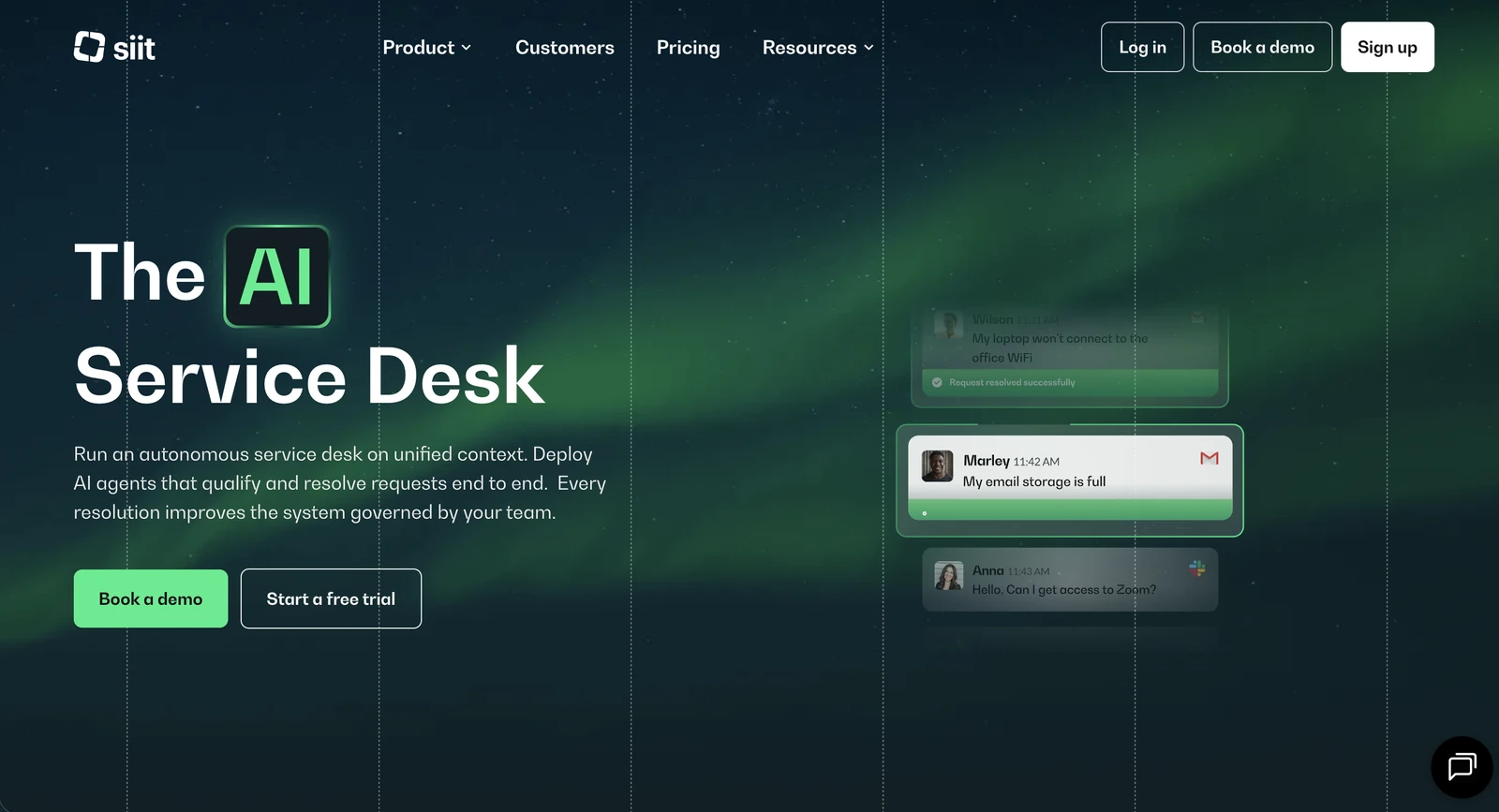
Siit is an AI service desk for IT, HR, and other internal teams that runs in Slack or Microsoft Teams. Employees ask for help in chat or by email, and Siit routes each request to the right team or resolves it with an automated workflow.
If you already use Jira Service Management or ServiceNow, Siit keeps tickets there in sync with the conversation in Slack or Teams.
Why choose Siit over Console: Siit supports Microsoft Teams as well as Slack on every plan, so it suits companies that run on Teams, and its visual workflow builder lets admins automate requests without writing code.
Key features:
- Drag-and-drop workflows: Build workflows from templates or from scratch, with conditions, approvals, and error handling, and test them before they go live.
- Service catalog: Employees pick from a list of predefined request types, so each request arrives with the details your team needs.
- Onboarding and offboarding: Ready-made examples add new hires to Okta groups, and offboarding steps can deactivate accounts, reset MFA, and request device wipes.
Integrations: Okta, Google Workspace, and Microsoft Entra ID for identity; Jamf, Microsoft Intune, Iru, and JumpCloud for devices; BambooHR, HiBob, Rippling, Workday, and other HR systems; Jira Service Management, ServiceNow, Freshservice, and Zendesk for ticketing; and Notion and Confluence for knowledge.
Pricing: Essentials costs $23 per admin per month, Standard $45, and Pro $89, all billed annually. Automated workflows start on Standard, and AI assistance is capped at 10 conversations per admin per week below Pro. Enterprise pricing is custom, and there's a 14-day free trial.
Limitations: An IT manager at a 350-person company said on G2 that custom dashboards are limited, and his team had to export data to a spreadsheet to see resolution time by department. An IT support reviewer said Siit's Notion sync isn't real time, so new pages can take hours to become searchable by the AI, and a runbook published in the morning isn't used until later that day.
What switching from Console involves
How much work a switch takes depends on one question: do you use Console alongside a separate ticketing system, or as your only service desk?
If you use Console alongside Jira Service Management, Freshservice, or ServiceNow, you can replace Console and keep your tickets where they are, as long as the new tool works with your ticketing system. Risotto, for example, works as an AI layer on top of Jira Service Management, Freshservice, and ServiceNow.
If Console is your service desk, you're planning an ITSM migration, and the first decision is where your tickets will live. You can move them into a ticketing system you already pay for, or keep them in the new tool. Either way, keep an export of your old Console tickets for audits.
Whichever applies to you, switching comes down to four steps:
- Take stock of what you've built. List your Console workspaces, playbooks, access policies, and the Okta groups they use. Ask Console's support team what you can export, including your ticket history, and check that attachments are included, since some teams have lost them in past exports.
- Test every tool against the same list. Use that inventory to check that each tool on your shortlist can do everything Console does for you today, including approvals and time-limited access. Start with the requests Console handled badly.
- Connect integrations before rebuilding playbooks. Check that the new tool has the right credentials and permissions, then test the actions your existing playbooks rely on. One team found that seven of nine tools failed their initial tests because of missing permissions or roles. Ask each vendor whether it can import your Console playbooks or whether you'll need to rebuild them.
- Switch one channel or department at a time. Move one Slack or Teams channel, or one department, to the new tool so employees don't get two bots answering the same message. Tell employees where to ask, and keep Console running until the new tool auto-solves at least as many of that channel's or department's requests as Console did.
Choose the best alternative to Console for your team
You don't need to switch tomorrow, but the acquisition is a good reason to look at what else is out there. Traditional ITSM suites can take months to set up, so start with the newer AI tools.
Serval suits enterprises replacing a legacy ITSM outright, while Ravenna keeps things light for Slack-first companies. If your company runs on Microsoft Teams, Siit is worth a look.
For mid-market IT and HR teams, Risotto is the strongest fit. It auto-solves up to 70% of Tier-1 requests in Slack, Microsoft Teams, and email, and your IT and HR teams can build new automations by describing them in plain English. It works on top of the ticketing system you already run, and teams see results from day one.
Frequently asked questions
For most mid-market IT and HR teams, Risotto is the best alternative to Console. It auto-solves up to 70% of Tier-1 requests in Slack, Microsoft Teams, and email, works on top of Jira, Freshservice, or ServiceNow, and lets teams build automations in plain English. Serval, Ravenna, and Siit suit other setups.
The best ITSM tool depends on your company's size and setup. Traditional suites like ServiceNow and Jira Service Management cover enterprise ITSM, while AI-native tools like Risotto, Serval, Ravenna, and Siit automate requests in Slack or Teams. Risotto suits mid-market teams that want to automate on top of their existing ticketing.
You don't need to switch right away, but it's worth reviewing your options. Palo Alto Networks plans to use Console to expand the AI agent capabilities in Cortex, its security operations platform. If your contract renews in early 2027, test a few alternatives alongside Console before you commit.
It depends on how you use Console. If it runs alongside Jira Service Management, Freshservice, or ServiceNow, you can replace it and keep your tickets where they are. If Console is your service desk, you'll also need to move your tickets. Either way, expect to rebuild your playbooks unless a vendor can import them.
Liked the article? Share on:
On this page
Keep your ticketing system and add AI that auto-solves employee requests





Want faster solutions and happier employees?
Access that's easy to ask for and impossible to get wrong.
Ensure Legal never answers another "do we need an NDA for this?"
Every policy question is stealing time from the work Finance was hired to do.
Turn Slack requests into action items instead of engineering interruptions.
The biggest deal risk might be an unanswered internal question.
Run a united support system that your employees can depend on.
Build the automations you’ve been planning on for months.
The bottleneck isn't your team. It's the groundwork before they can actually help.
Get support data that your team can talk to.
Jump on a call to understand:
Risotto handles repetitive support requests across tools and teams, so IT gets back to solving real problems, not rerunning the same ones.
.svg)
%20(1).webp)
See what makes the Iru integration a 10/10 for our clients.